Privacy
Smart Home Device Privacy Checklist Before You Add Another Gadget
A calm checklist for reviewing smart speakers, cameras, plugs, TVs, and home sensors before they join your network.
Smart home devices are convenient because they disappear into daily routines. That is also why they deserve a privacy check. A camera, speaker, plug, sensor, or TV may stay connected for years after the setup excitement is gone.
Ask what data the device needs
Before adding a device, ask what it can sense. A smart plug sees power use. A camera sees rooms. A speaker hears wake words and may store voice history. A TV may report viewing behavior.
The more private the room, the stricter the decision should be.
Use a guest or device network
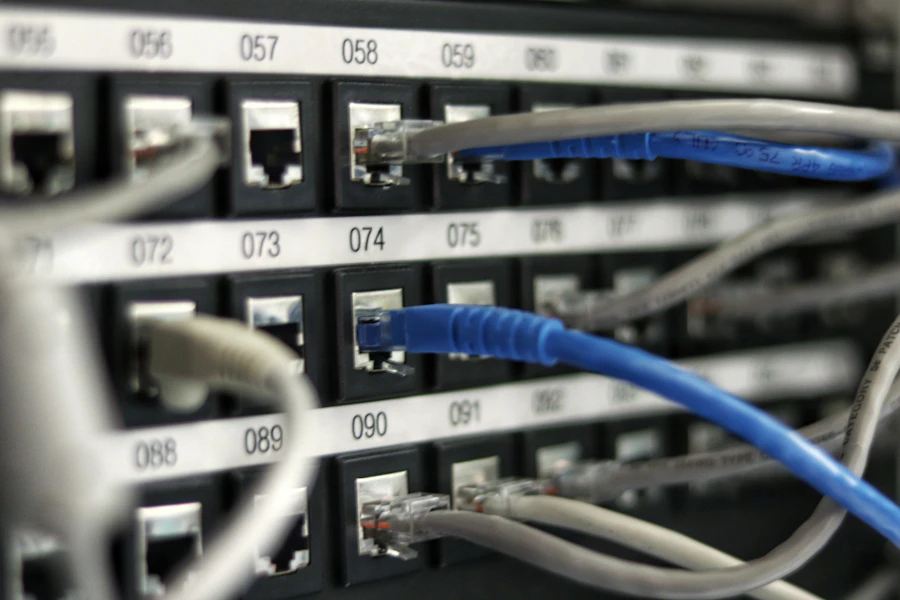
If your router supports a guest network or separate IoT network, use it for smart home devices. This does not make devices harmless, but it can reduce their access to laptops, phones, and shared storage.
Give the network a strong password and avoid sharing your main Wi-Fi password with every device vendor.
Change default names
Default names can reveal device models or rooms. Rename devices in a way that is useful but not overly specific. “Hall plug” is usually better than a name that includes a brand, model, and family member.
Review app permissions
Smart home apps may request location, Bluetooth, microphone, camera, contacts, or local network access. Some permissions are needed for setup and not needed forever. Review them after the device is working.
Remove devices when they leave
When you sell, gift, or throw away a smart device, remove it from the app and factory reset it. Also remove old devices from your router list when possible.
The best smart home is not the one with the most devices. It is the one where you still know what is connected and why.
Sponsored
Sponsored links may open partner offers selected by region, device, and availability.
Explore Sponsored Tech Offers