Productivity
Home Office Backup Plan for Power Internet and Important Files
Keep remote work stable with backup internet options, power planning, local copies, cloud sync rules, and meeting fallbacks.
Remote work depends on small systems that are easy to ignore until they fail. A short outage, weak Wi-Fi signal, full laptop battery, or missing file can turn an ordinary workday into a scramble. A backup plan keeps the basics available.

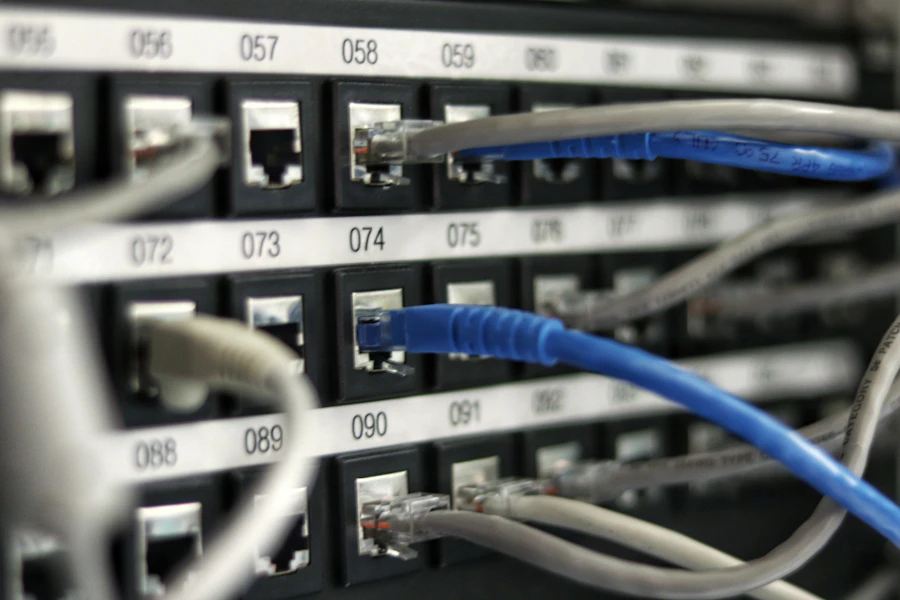

Prepare backup internet
Know what you will use if the main connection fails. A phone hotspot may be enough for email and chat. A second home connection may be useful for people who run live meetings, support customers, or upload large files.
Test the backup connection before you need it. Check signal strength from the actual desk.
Keep power predictable
Charge the laptop before important calls. Keep the charger in a fixed place. If outages are common, consider a small battery backup for the router and modem so the internet stays up during brief power cuts.
Do not overload one outlet with every device in the office.
Keep active files available
Cloud-only files are convenient until the connection drops. Keep active documents available offline on the laptop. For shared folders, confirm which files are actually downloaded and which are placeholders.
Create meeting fallbacks
For important meetings, know the dial-in option, chat channel, and backup host. If video fails, audio plus shared notes may be enough to continue.
Review once a quarter
Backup plans decay. Phone plans change, hotspots expire, routers move, and files spread. A quarterly check keeps the plan real.
The goal is not a perfect home office. The goal is enough resilience that small failures stay small.
Sponsored
Sponsored links may open partner offers selected by region, device, and availability.
Explore Sponsored Tech Offers